Health Sync7.5.7.3
Publisher Description
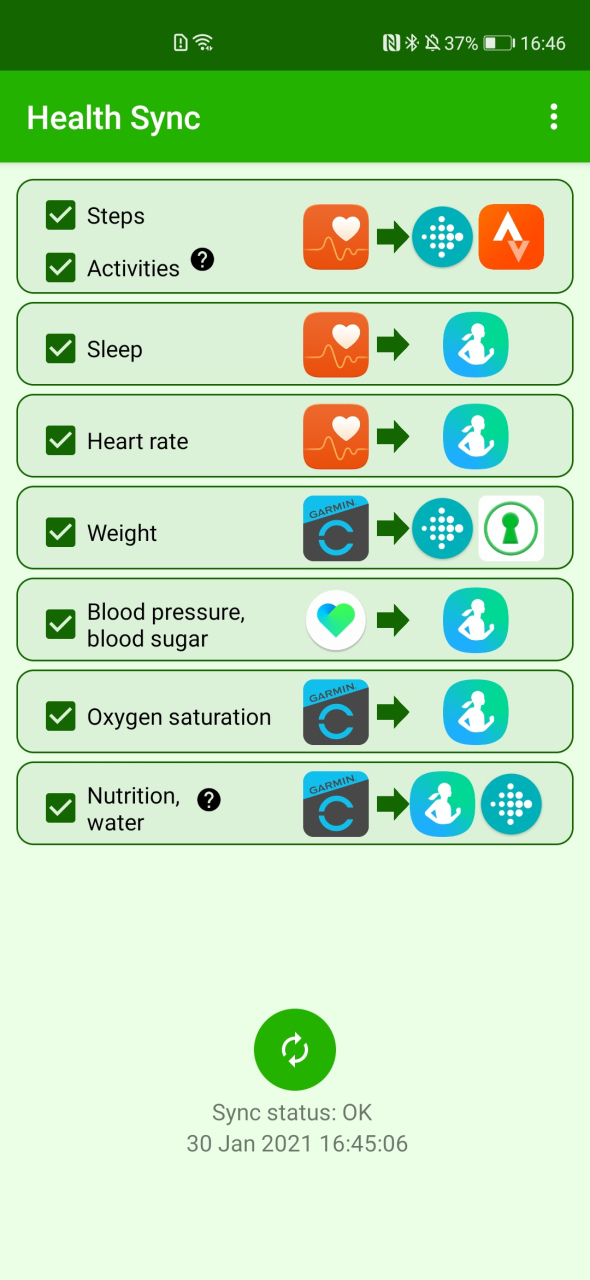
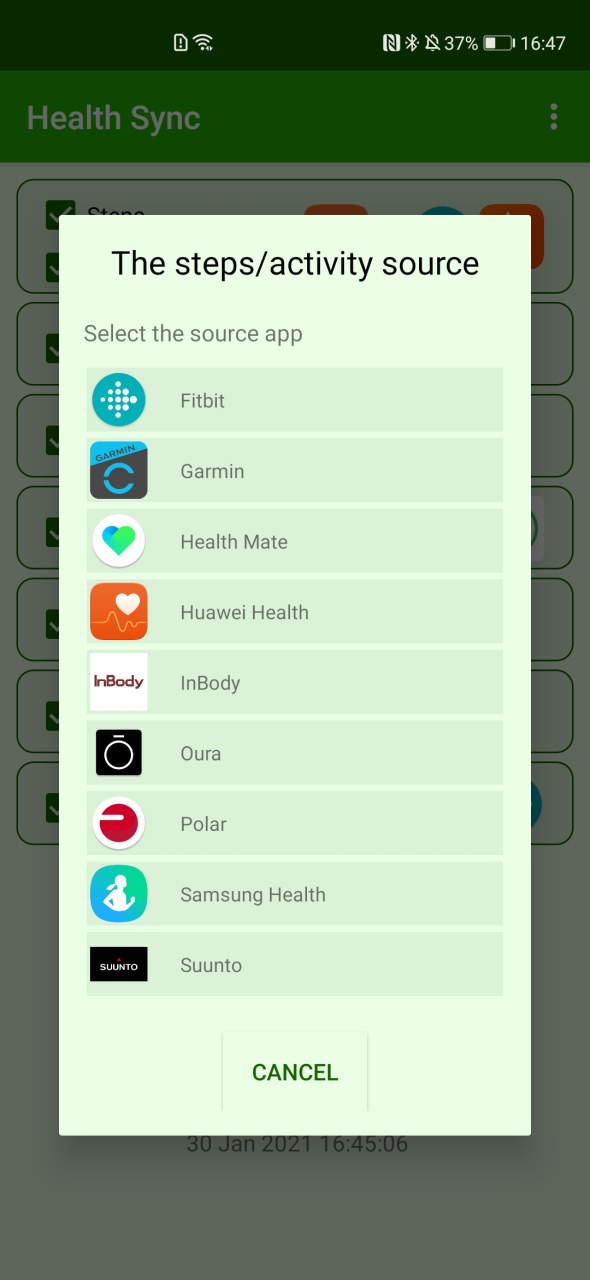
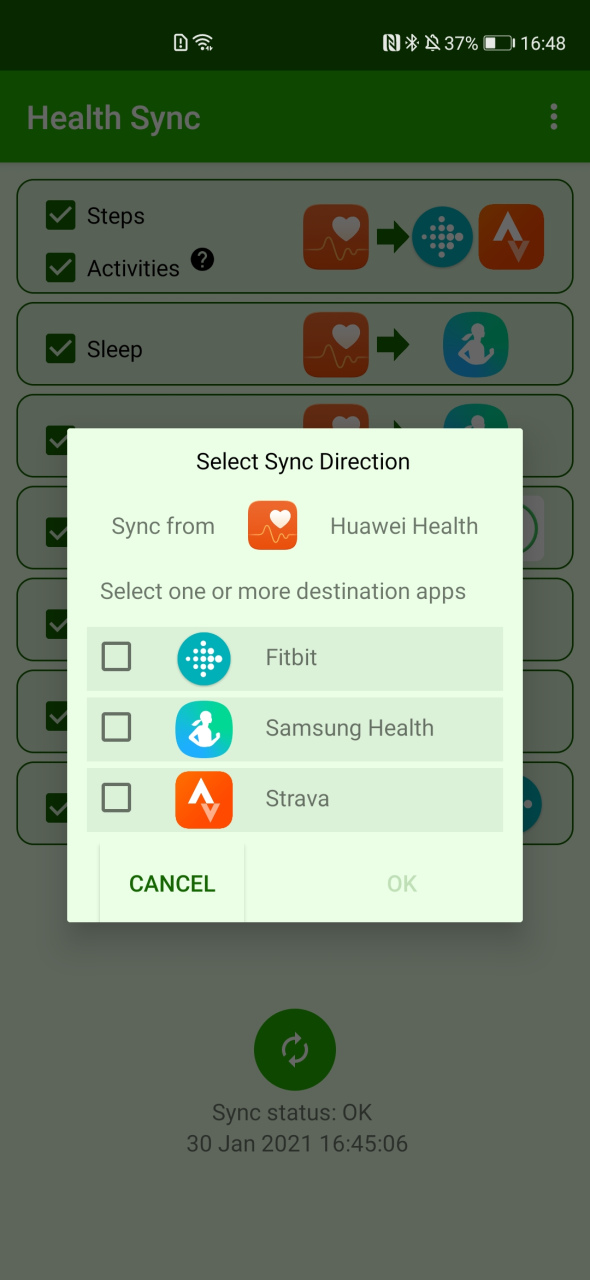
Sync your health data from Huawei Health, Coros, Fitbit, Garmin, Google Fit, Health Mate (Withings), InBody, Oura, Polar, Samsung Health, Suunto. You can sync to Fitbit, Google Fit, Huawei Health (only weight, blood pressure, blood glucose), Samsung Health, Schrittmeister, FatSecret (weight only), Runalyze, Smashrun or Strava. Activity data can also be synced as FIT, TCX or GPX file to Google Drive or Huawei Drive. Health Sync works automatically and syncs the data in the background. Huawei Health is not supported in all countries, Health Sync will tell you when it is not supported. Google Fit is only supported on smart phones with Google Services.
It will sync data from the time you first use the app. Historical data (all data before the day of installation) can be synced after the free trail period. You can't sync historical data from Polar (Polar doesn't allow this).
One week free trial
Health Sync is very easy to use. It offers you a one week free trial period. After the trial period, you can make a one-time purchase to continue using Health Sync.
Just try the app and see if it fits your needs. What data you can sync depends on the source app from which you sync data, and the destination app(s) to which you sync the data.
You can choose different source apps for different types of data. For example: sync activities from Huawei Health to Strava, and sync sleep from Fitbit to Samsung Health and Google Fit. After the first initialization actions, you can define the different sync directions.
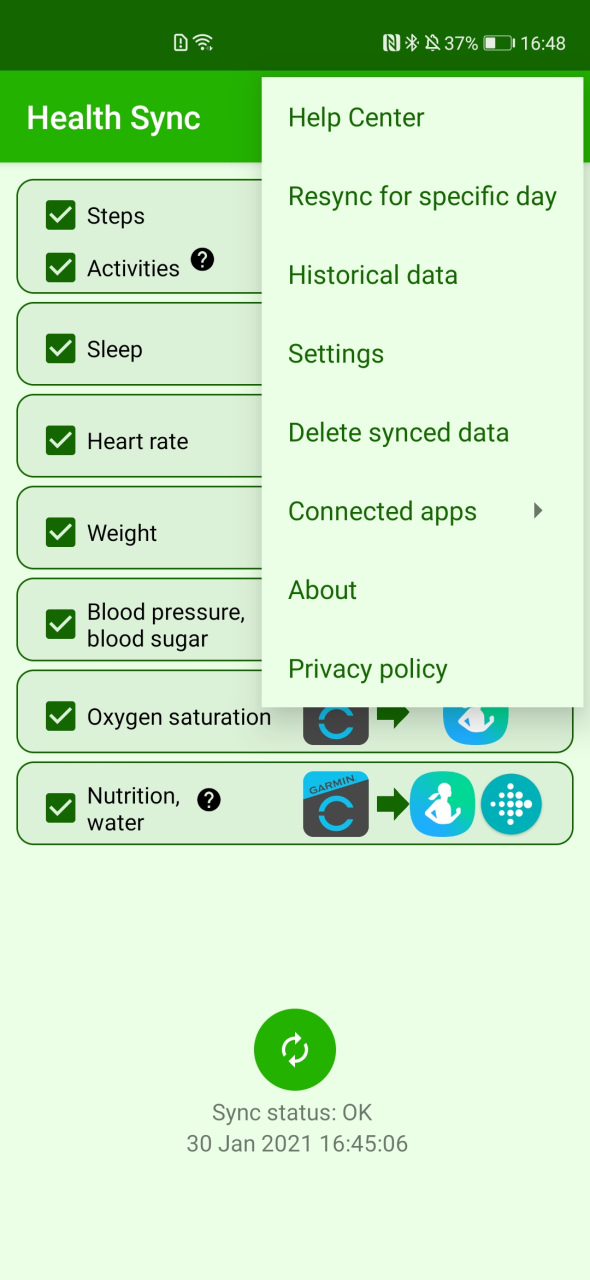
Syncing between health data apps sometimes doesn't work as expected. Don't worry, almost all issues can be solved easily. You can check the Help Center menu in Health Sync. And if you can't solve the issue, you can send a Health Sync problem report (the last option in the Help Center menu), or send an email to info@appyhapps.nl You will get support to solve the sync issue.
About Health Sync
The company that develops Health Sync is appyhapps.nl. The latest version released by its developer is 7.5.7.3.
To install Health Sync on your Huawei device, just click the green Continue To App button above to start the installation process. The app is listed on our website since 2023-07-04 and was downloaded 12 times. We have already checked if the download link is safe, however for your own protection we recommend that you scan the downloaded app with your antivirus. Your antivirus may detect the Health Sync as malware if the download link to C103198029 is broken.
How to install Health Sync on your Huawei device:
- Click on the Continue To App button on our website. This will redirect you to Huawei Store.
- Once the Health Sync is shown in the Huawei Store listing of your Huawei device, you can start its download and installation. Tap on the Install button located below the search bar and to the right of the app icon.
- A pop-up window with the permissions required by Health Sync will be shown. Click on Accept to continue the process.
- Health Sync will be downloaded onto your device, displaying a progress. Once the download completes, the installation will start and you'll get a notification after the installation is finished.
